Your whole money year,
in your pocket.
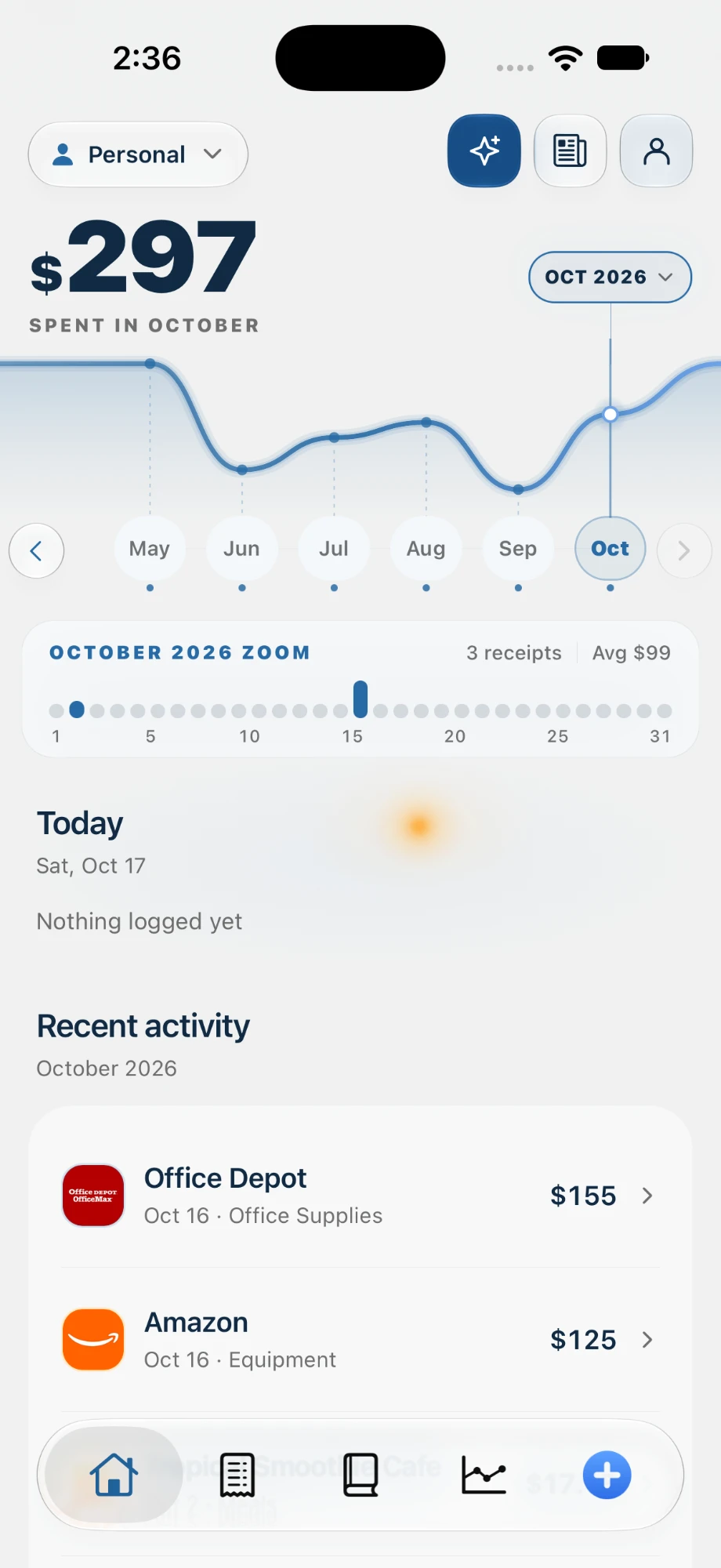
Scan a receipt in the checkout line, and let your phone log the drive while it stays in your pocket. spentr adds up your write-offs as you go.
Free to start · no card · syncs with the web app
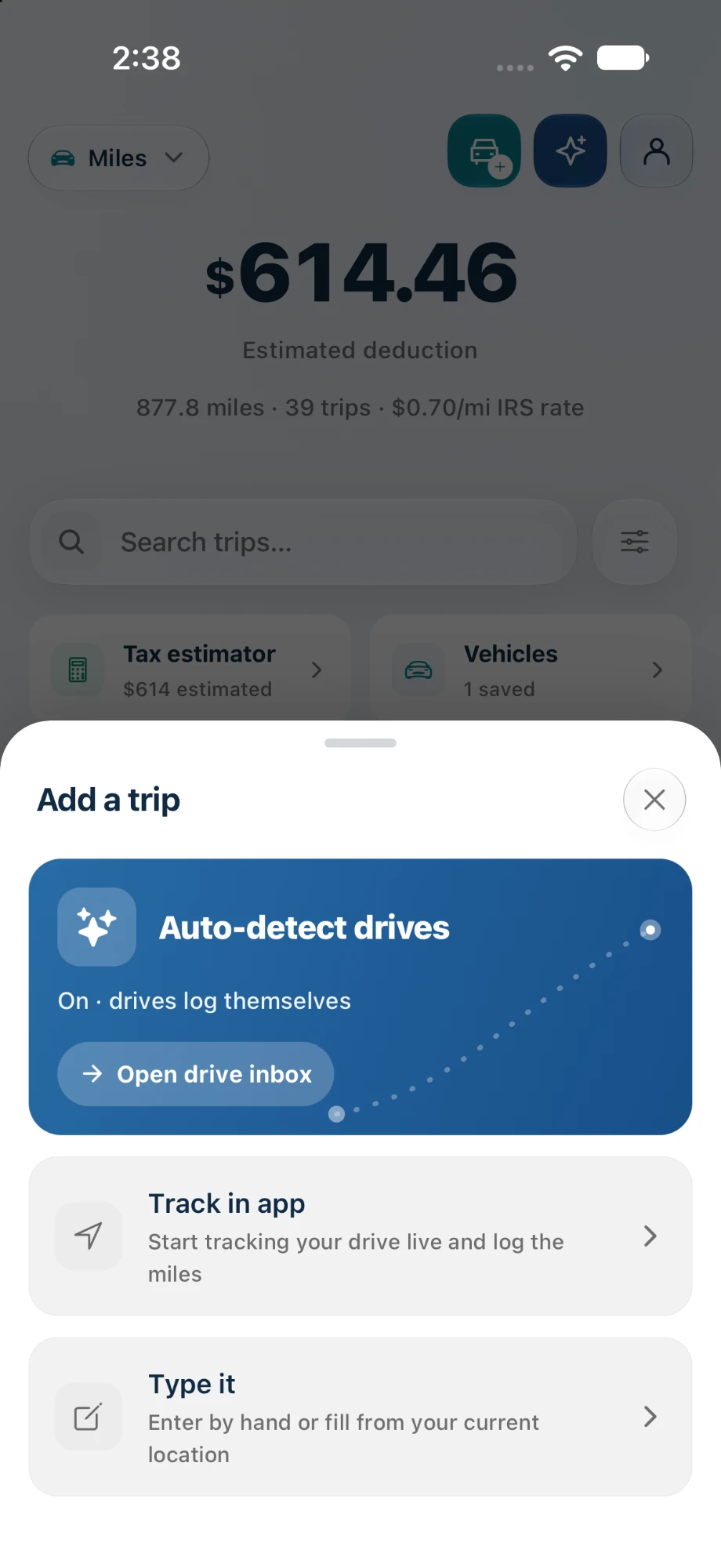
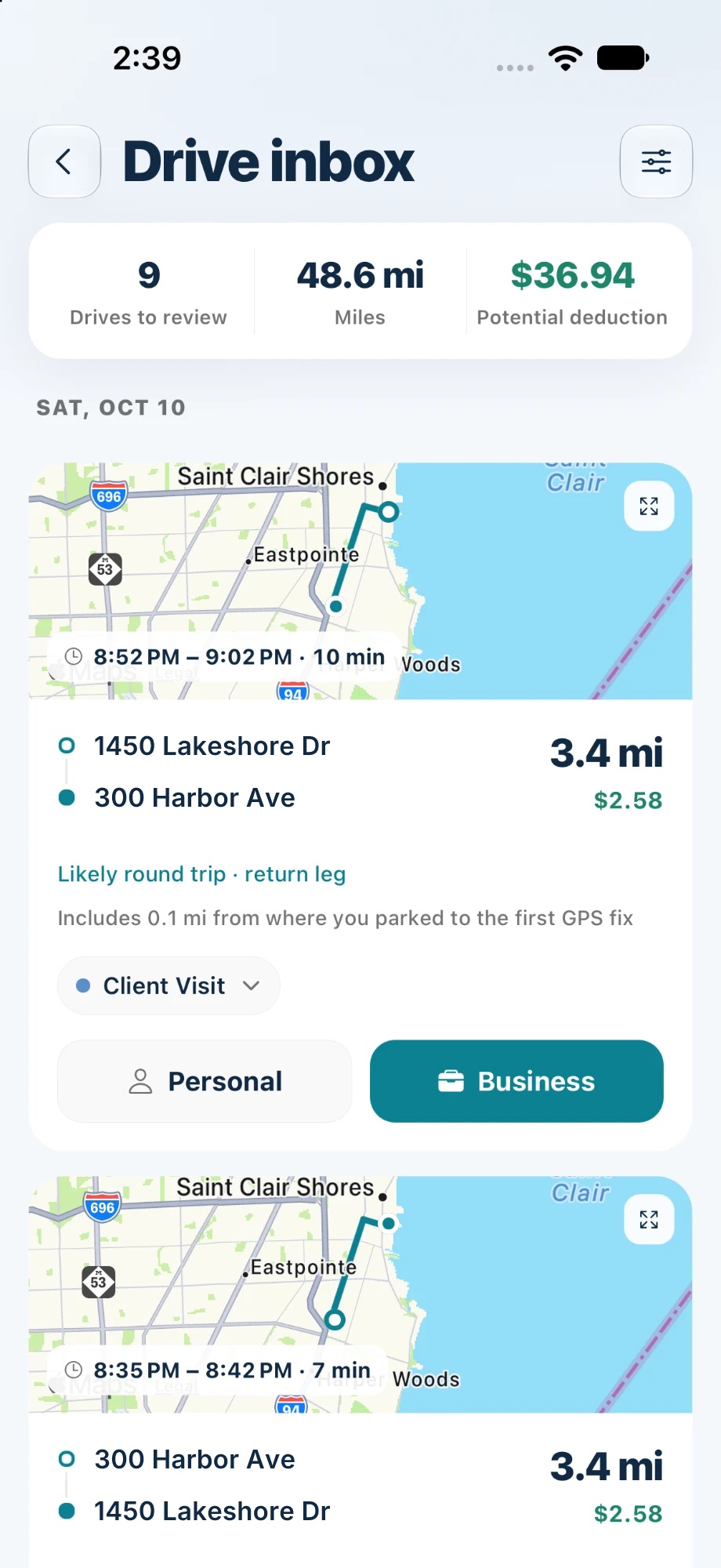
Drives log themselves.
Turn on auto-detect and spentr records your drives in the background, without you opening the app. Each one lands in your Drive inbox with its route, miles, and deduction. Mark it Business or Personal and you’re done.
- Drives are detected and recorded automatically
- Review them in one inbox: Business or Personal
- Round trips and parking-lot miles are picked up for you
- Prefer control? Start a trip yourself and follow it on the Lock Screen
What it looks like inside.
Four screens you’ll use most: scanning, analytics, Spencer, and your expense list.
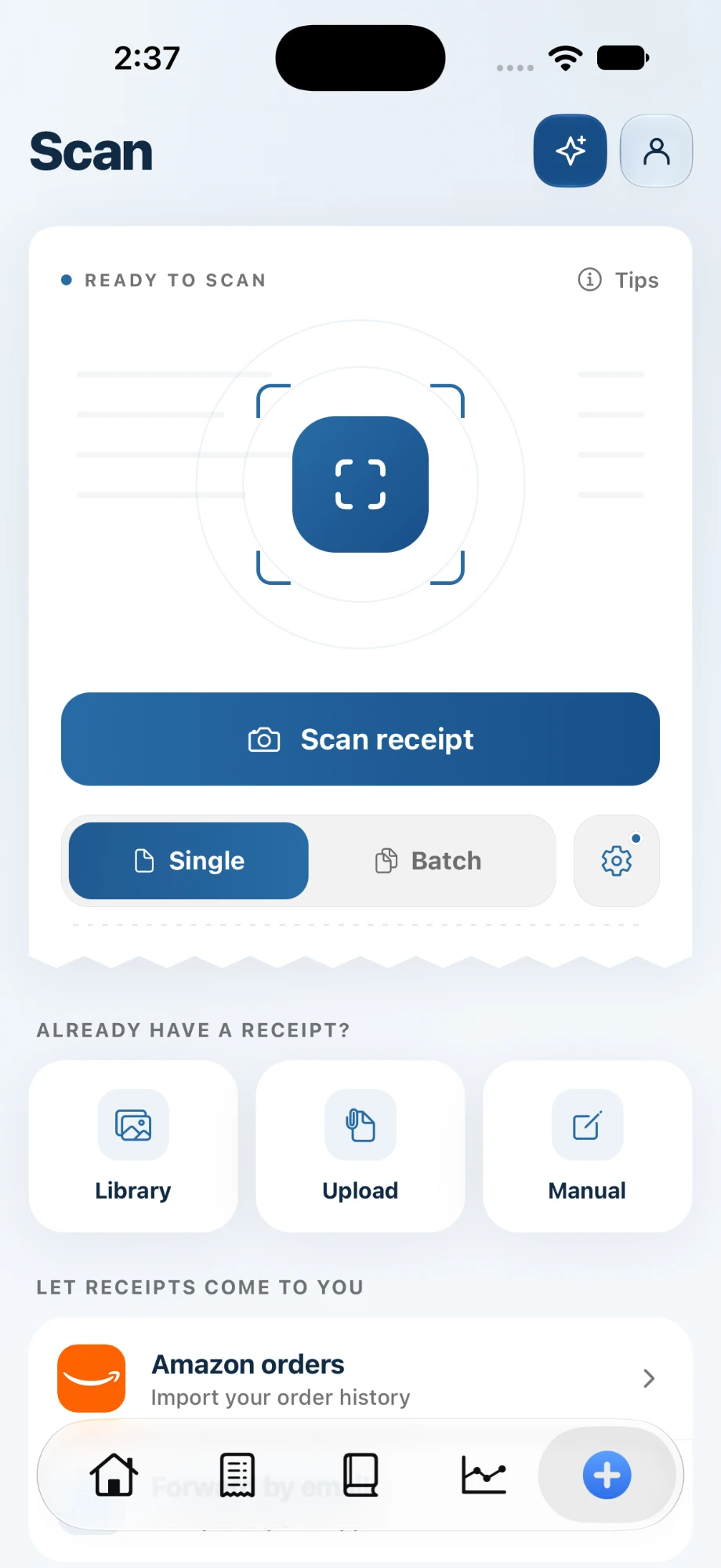
Scan one receipt or a stack, or bring in photos, files, and Amazon orders.
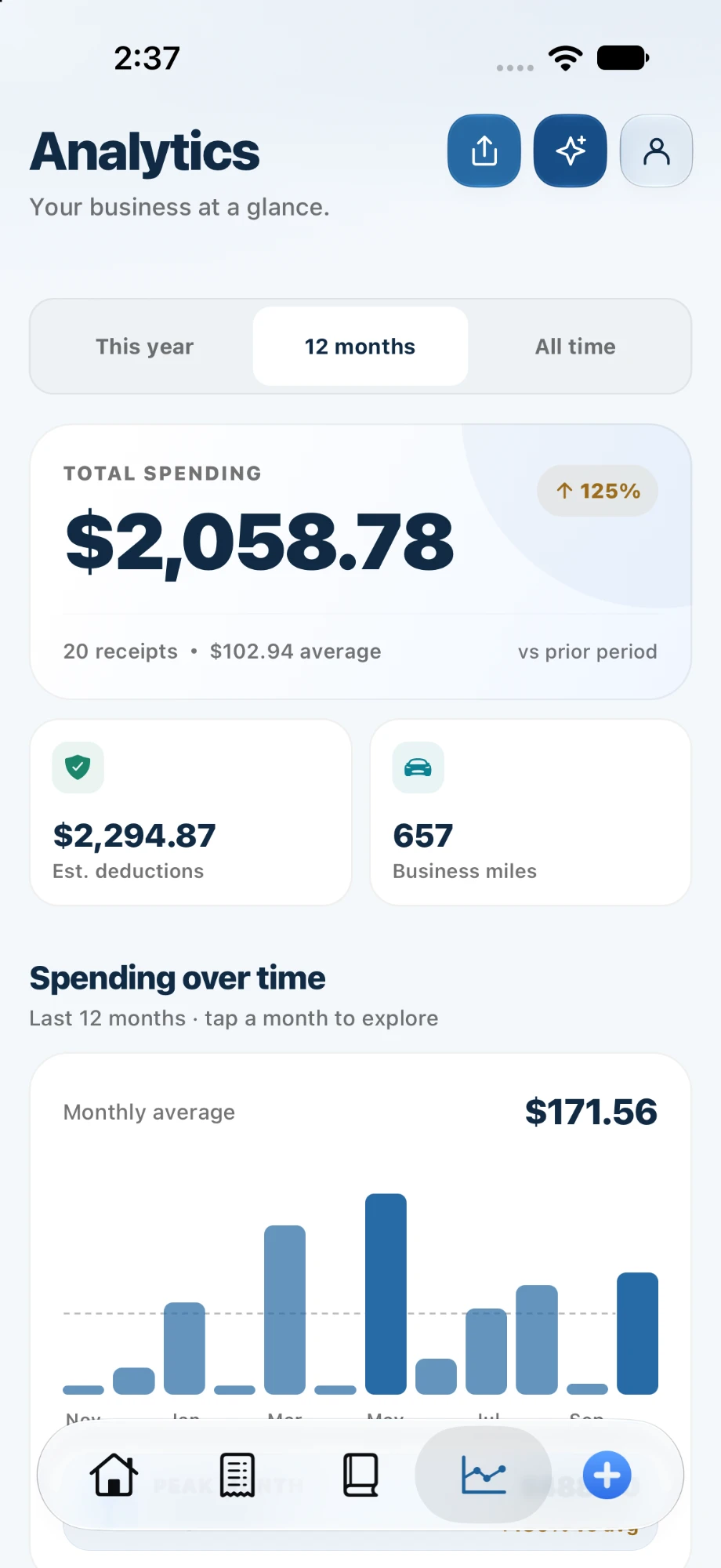
Spending, estimated deductions, and business miles, month by month.
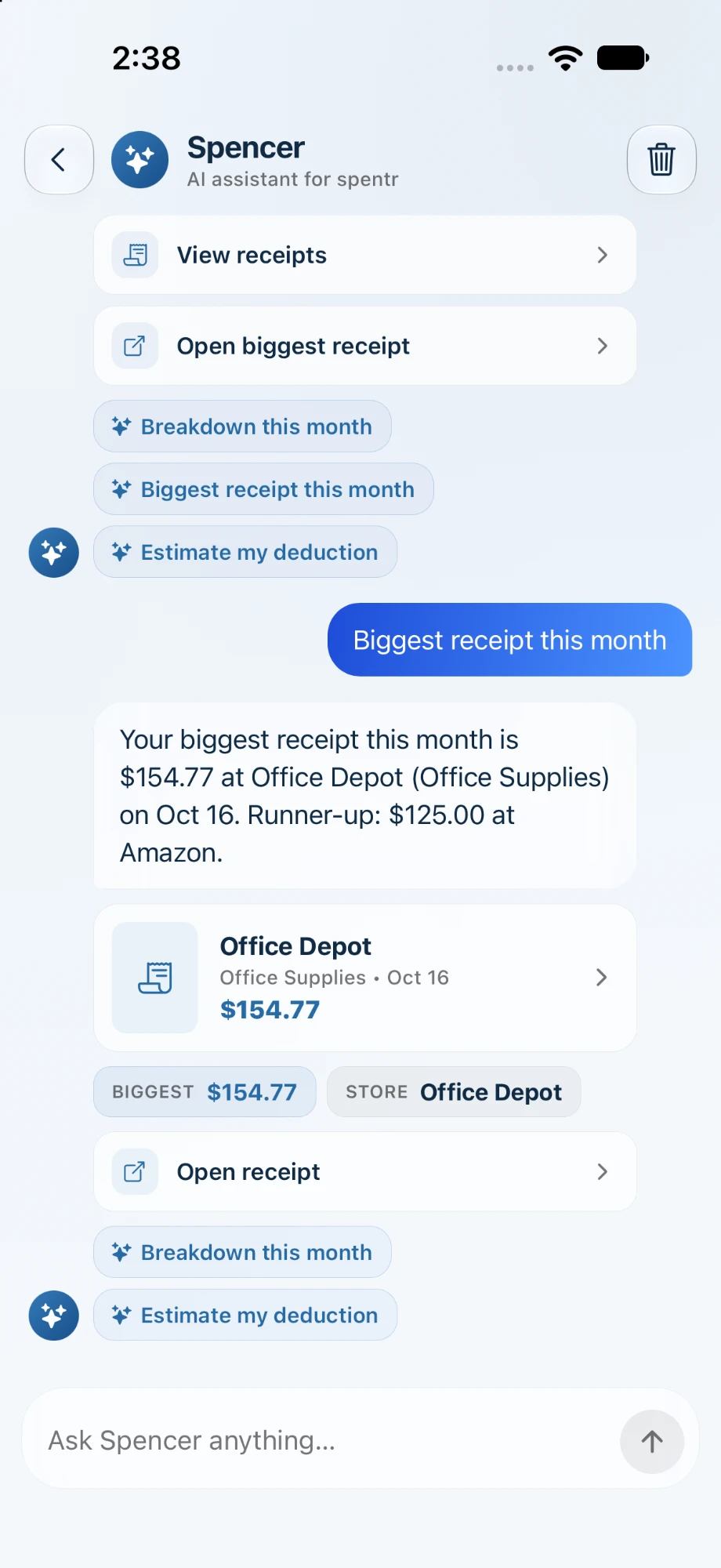
Plain-English answers from your real receipts and trips. No spreadsheets, no waiting.
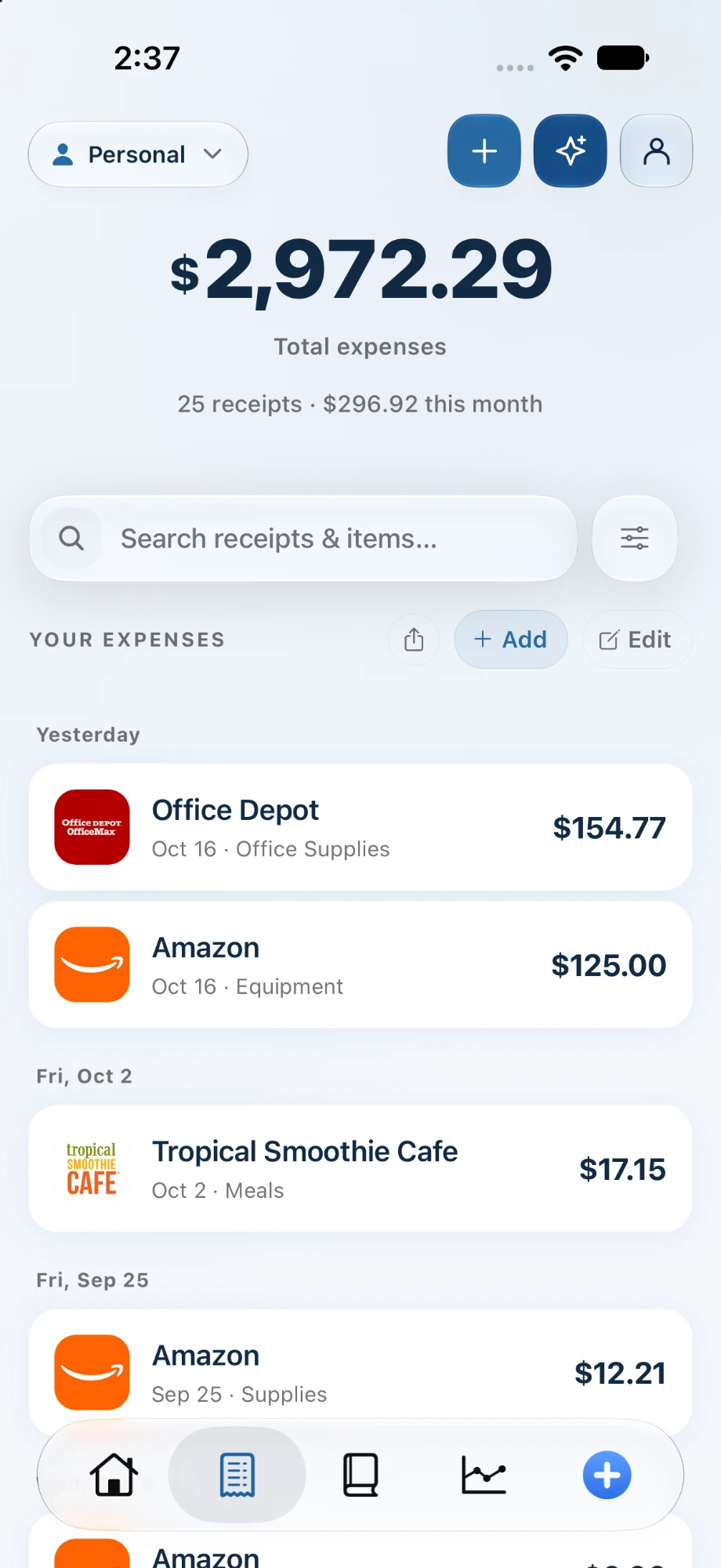
Every expense is tagged and totaled. Find any receipt in seconds and export it when April comes.
Start free. Go Pro when it pays for itself.
Ten AI scans a month, free forever. Go Pro for unlimited scans and line items, or Business for Schedule C tax categories, audit-ready PDF exports, and a shared team.
Keep receipts and miles in order, free forever.
Start freeUnlimited scans, line items, and quarterly tax estimates.
Get ProSchedule C exports, audit-ready PDFs, and a team of 3.
Get BusinessPro is available on the web and in the App Store, and on Google Play when Android lands; Business is billed on the web. Cancel anytime.
Put your receipts
on autopilot.
Free to download. Capture your first receipt in under a minute.