Prove your participation hours, property by property.
For short-term rental owners and real estate professionals, the deduction depends on hours you can prove. spentr logs them by property, next to your rental receipts and trips.
Available on Pro and up
How it works
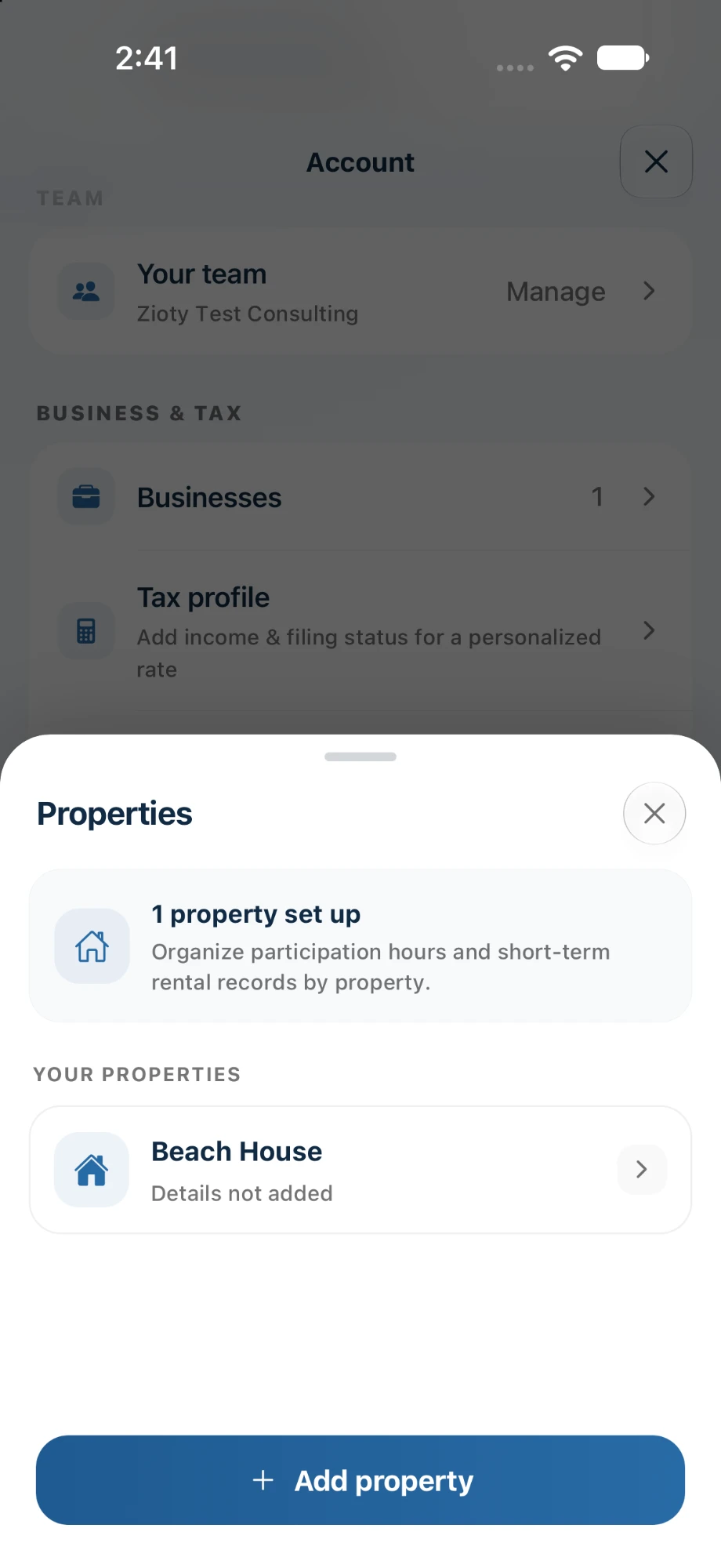
Add your properties
Set up each rental so hours, receipts, and trips stay separate.
Log hours as you work
Record the date, time, and task for each block of work, the same day.
Watch the thresholds
See your progress toward the 100, 500, and 750-hour tests through the year.
What’s included
Hours by property Pro
A participation log for each rental, ready to export.
Receipts by property Free
Cleaning supplies, linens, and repairs, scanned as you buy them.
Trips to your rentals Free
Turnover runs and maintenance visits, with mileage.
Exports for your CPA Pro
Hours, expenses, and trips together in one report.
Plan tags show the lowest plan that includes each item. Compare plans.
Frequently asked questions
Does spentr tell me if I qualify?
No. spentr keeps the records. Whether you qualify depends on your average stay, your hours, and other facts your tax professional should review. Try our short-term rental checker for a first look.
Can I log hours for my spouse?
Your spouse’s participation counts toward your total, so log their work too, noting who did it.
Try it on your own receipts.
Free to start, with 10 AI scans a month. No card required.